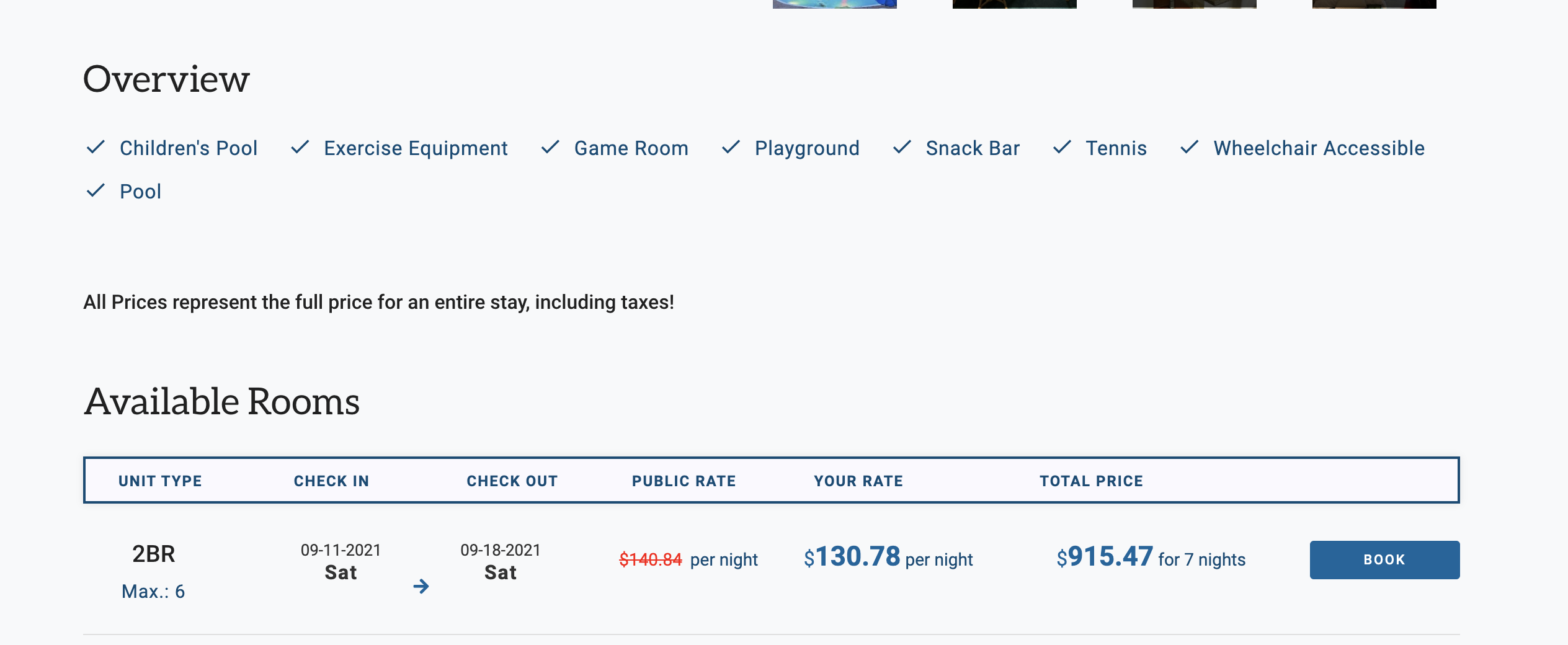
Moving the Resort Amenities checklist feature on the Resort detail pages below the fold will help bring more important elements like the available weeks further up the page. This will improve the overall UX (especially on mobile) and lead to better conversion rates.
Displaying 4 of 4 experiments
Open Resort Checkout Pages in New Tab
By altering the "Book" button on Resort Detail pages to open the next step in a new tab, users will be able to keep the Checkout page open separately if they want to continue to browse. Since most sessions take place on desktop devices, this will prove to be convenient for users and will reduce the drop off rate on the final Resort booking step (and thus, boost CVR). This test could also serve as a precursor to a "cart" or "saved bookings" functionality in the future.
Room-Specific Image Galleries
Creating room-specific image galleries that would allow users to see photos of specific room types (studio, 1br, etc) will help with decision-making and result in more resort bookings. This can be a pop-up to expand feature, and really just needs to be 1-3 photos in all.
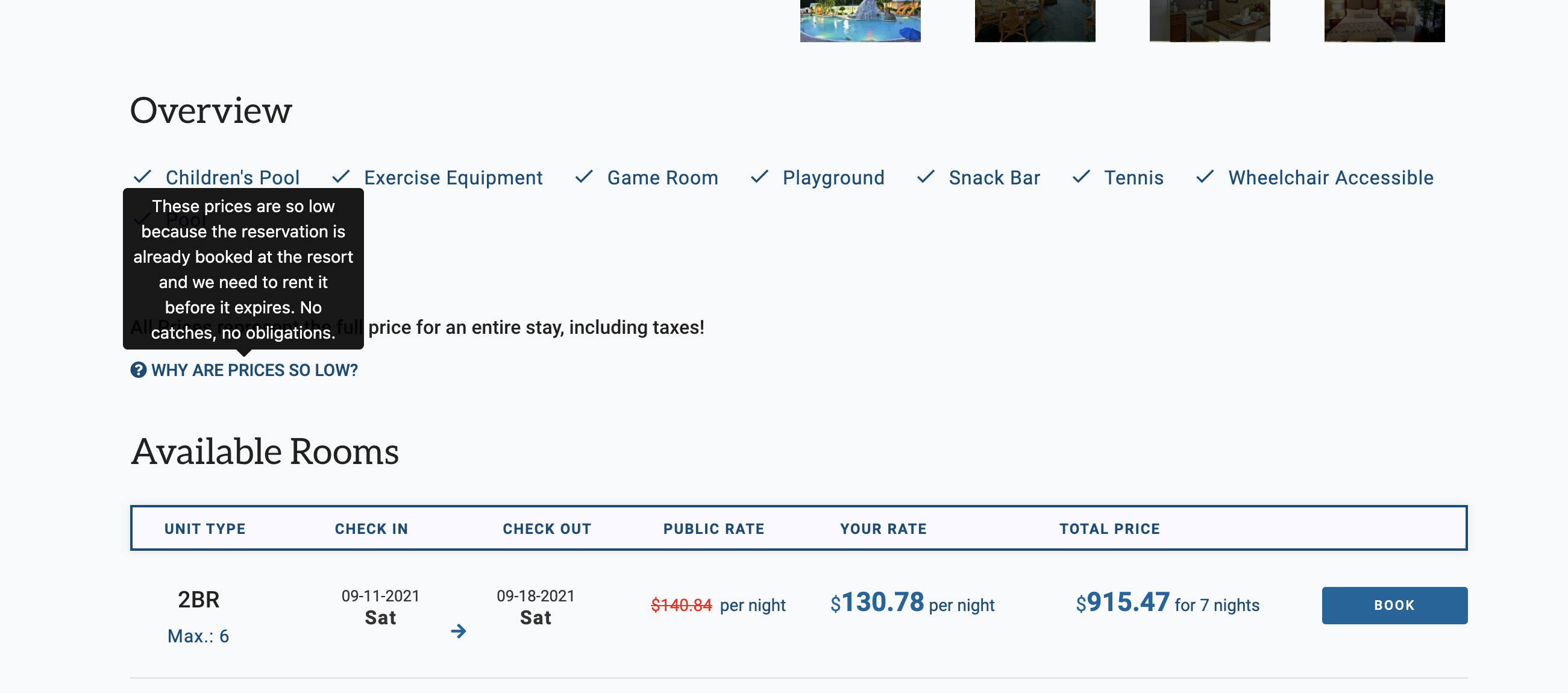
Resort Detail Page – Price Explainer
Adding a "Low Price Explainer" to the Resort Detail pages will allow users to obtain more information on how we can price our resort weeks so far below average. This will provide greater assurance for users and usher more to the final step of the checkout, and ultimately boost CVR.